For serious lifters · iPhone + Apple Watch
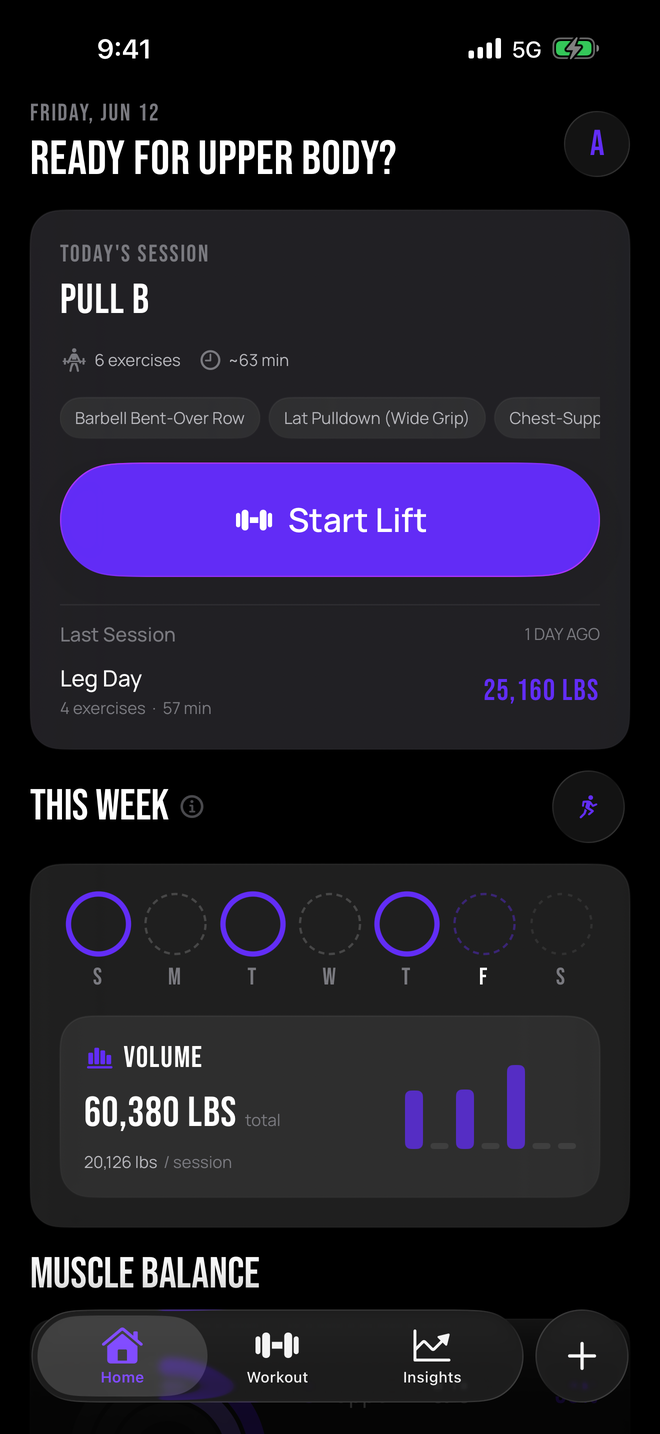
Log the work. Chase what's next.

GRŌ reads every set you log and tells you the next number to beat. No streaks. No badges. No guessing.
1

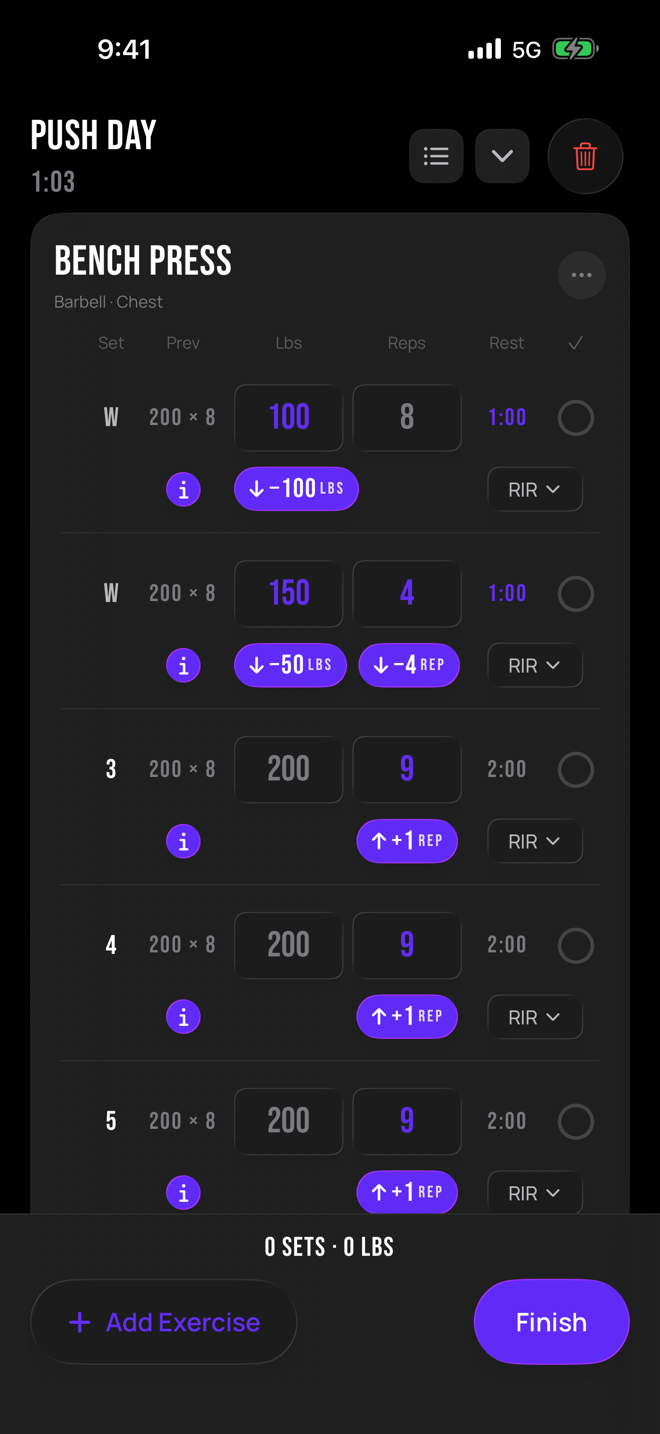
Log the work

Sets, reps, weight. Phone, watch, or both. Takes seconds between sets.

2

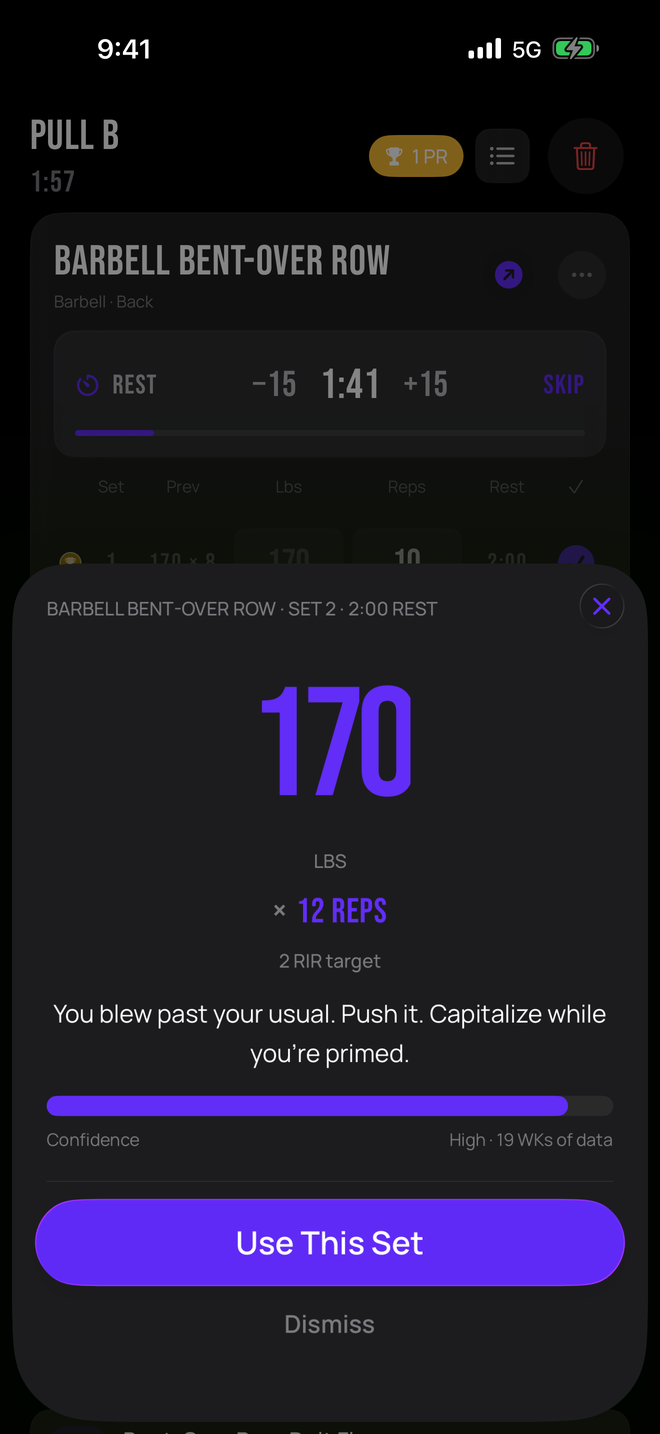
GRŌ reads your lifts

Every set you log sharpens your next target.

3

Beat your number

Next session, your targets are already set. Chase them.

The GRŌ Progressive Overload Engine

Always one set ahead of you.

Walk up to the bar already knowing your number. GRŌ reads every set you've logged and hands you the next target so you can chase what's next. Push, hold, or back off. Big day, the weight moves. Rough week, it meets you where you are instead of burying you. Deloads stay deloads.

Automatic before every session, or one tap when you want it.
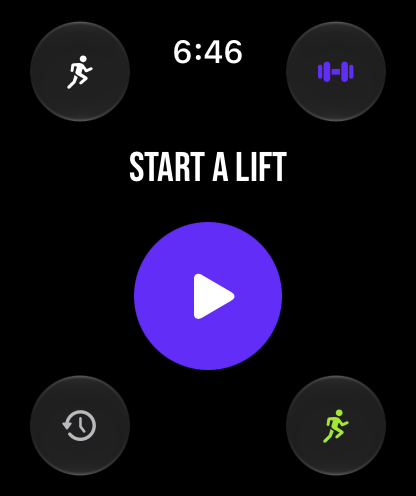
GRŌ on Apple Watch: a big purple start button in the center, with corners for training status, routines, history, and cardio
Included with the beta. Phone, watch, or both.
On your wrist

Leave the phone in the bag.

The full workout lives on your Apple Watch. Start a lift from your wrist, log sets with a tap, and your targets are already there. Rest timers buzz when it's time. Cardio tracks your heart rate live. Everything syncs with your iPhone as you go.

Strength Score

You versus you.Every week.

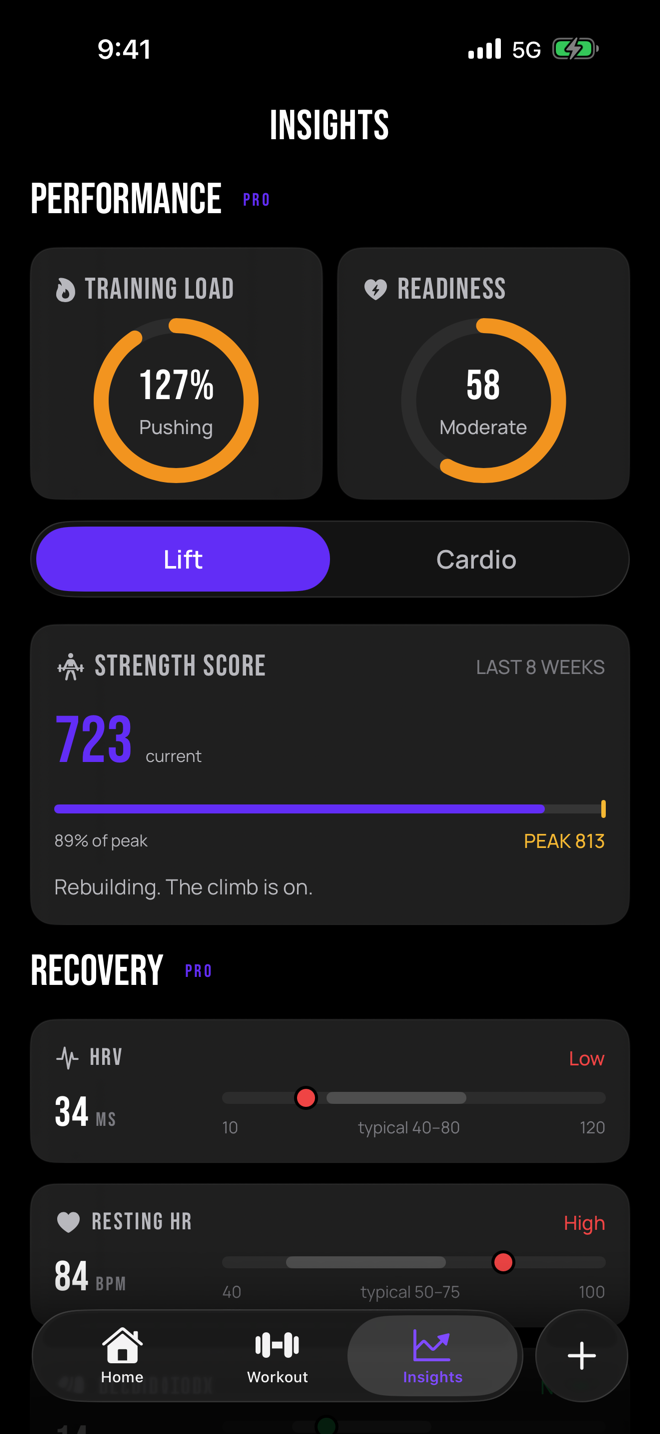
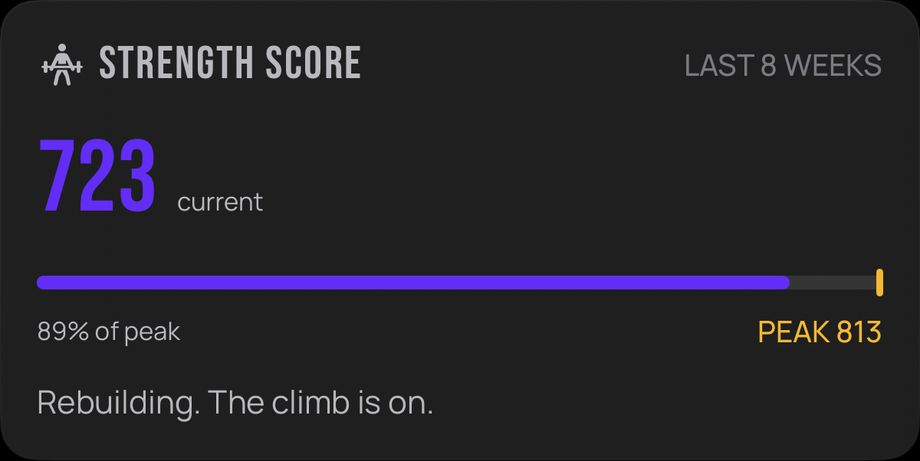
Your strength score is always yours to beat. It tracks where you are now against your own peak, so every week is a shot at your best number yet. The only competition is the you that walked in last time.

Strength Score card: 723 current, 89% of peak 813, captioned Rebuilding. The climb is on.

How many left in the tank?

Log your reps in reserve and the next target adjusts on the spot.

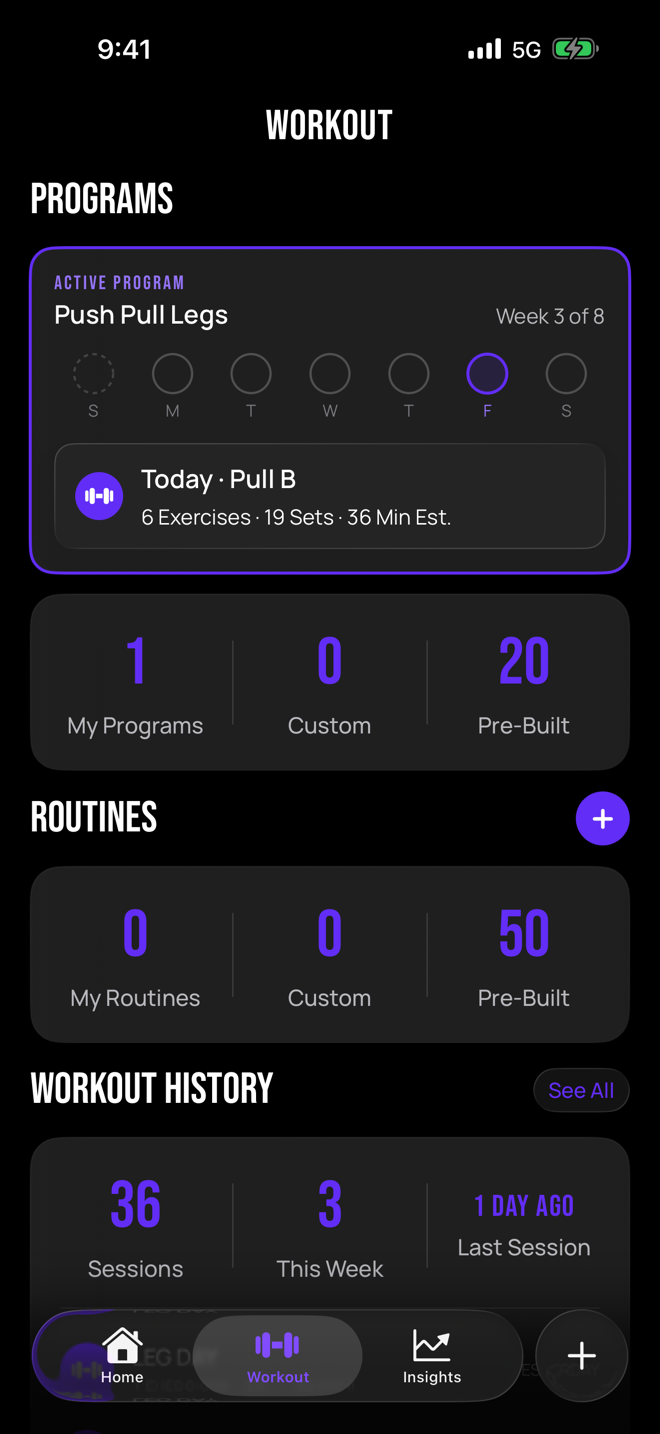
Choose a program or build your own

Start with a proven program like Classic 5×5 or Push Pull Legs, or build it from scratch.

Continue your progress

Coming from another logging app? Import your full history. Your PRs come with you.

The bar is waiting.

The GRŌ beta is open on iOS. Free through TestFlight.

Get in before everyone you lift with.

Beta testers train on PRO for free.

  1. Download TestFlight

    Apple's free app for testing new apps. Get it from the App Store on your iPhone.

  2. Scan the code

    Point your iPhone camera at the QR code. Your invite to GRŌ opens in TestFlight.

  3. Accept and install

    Tap Accept, then Install. GRŌ lands on your home screen like any other app.

New builds arrive through TestFlight automatically. Requires an iPhone on iOS 26 or later. The Apple Watch app is included.